


As the central collaboration hub for your organization, Mattermost is full of all sorts of enriched communication data that your organization can use to work smarter and more efficiently.
However, without the right tools in place, all of that conversation data can be difficult to parse, preventing organizations from unlocking the true value of that essential data. As a result, employees often deal with information overload and struggle to figure out which messages require immediate action.
By adding Mattermost Agents to your Mattermost instance, you can solve this problem by bringing the power of any self-hosted large language model (LLM) directly into Mattermost. By doing so, your team can save time while working safer, more efficiently, and more securely.
To showcase the power of Agents, Mattermost Developer Advocate Andrew Zigler recently hosted a webinar featuring Christopher Speller, a senior software design engineer at Mattermost.
In the webinar, Christopher walked attendees through the new AI-enhanced collaboration plugin and highlighted how different LLMs can be used inside Mattermost. After Christopher wrapped up his presentation, Andrew spent some time exploring the Agents roadmap.
Keep reading for a brief overview of some of the Agents use cases demonstrated in the webinar, followed by a link to watch the webinar in full on-demand.
Summarizing threads
The way Christopher sees it, the power of Mattermost Agents is found by integrating the context of your conversations with LLM technology.
Imagine you’re on vacation for two weeks and you did the unthinkable: actually unplugged, without logging into any work applications. When you return, you hop on to Mattermost only to see an endless stream of messages and notifications you’ve missed.
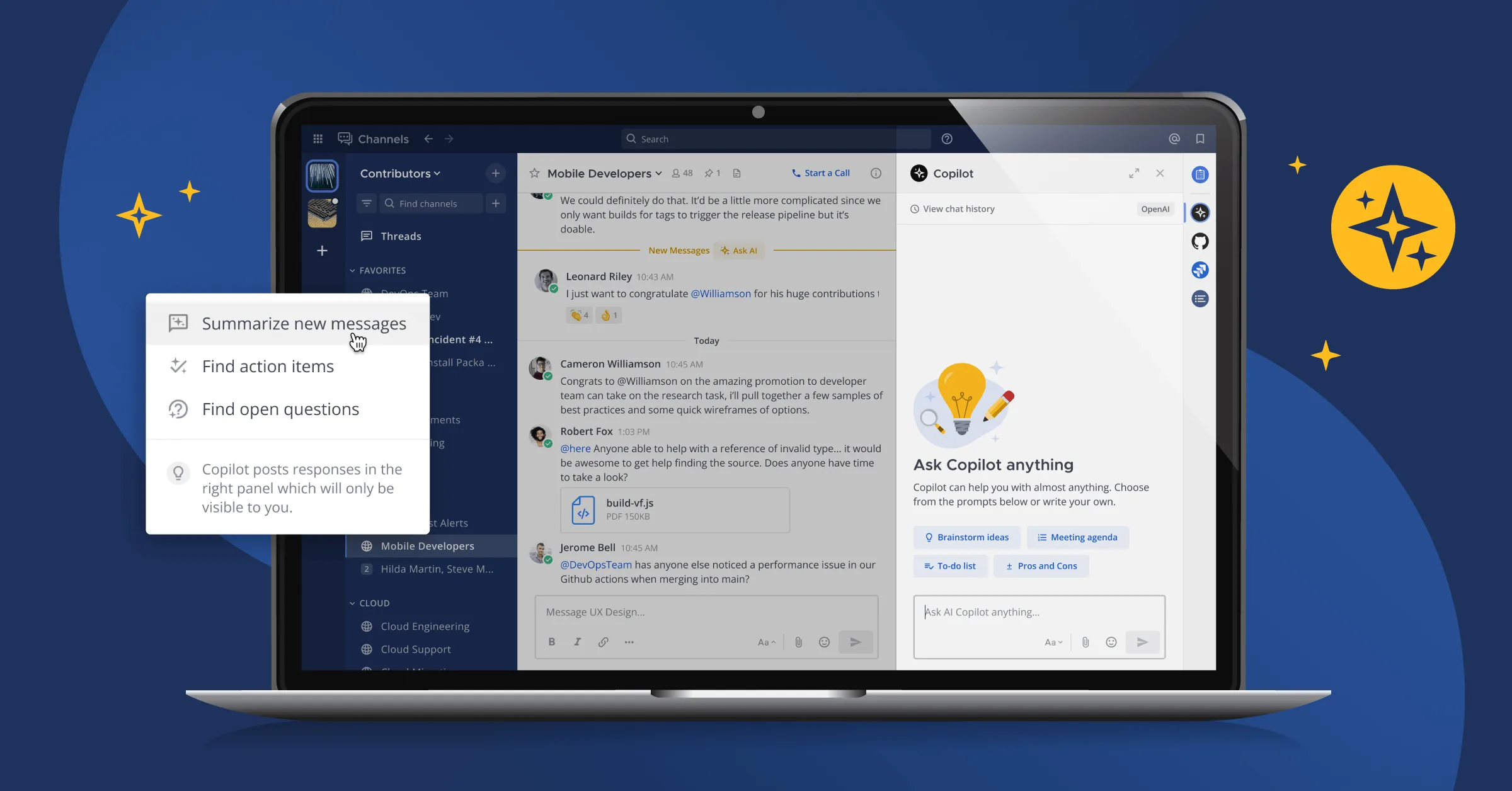
Using Agents, you can ask an LLM to summarize threads and unread channels so that you can get the gist of what was discussed without having to read every single message.
“That can give you a nice overview of what’s going on without having to dig into a huge long thread,” Christopher says.
Vision support
If you have a backing LLM that supports vision, you can upload images and ask the AI what the image is.
To demonstrate this capability, Christopher uploads a screenshot of some Go code into Mattermost and asks Agents to transcribe it. After a brief pause, the agent does exactly that, and Christopher can now cut and paste the code as he sees fit.
“It started off as an image, and now there’s text I can manipulate,” he says.
To further demonstrate this feature, Christopher uploads an image of a Grafana chart to Mattermost, asking Agents what the chart means, and the AI spits out a summary.
Call summarization
With Mattermost Calls, when a meeting finishes, the tool gives you a recording and a transcription.
“If you have the AI plugin installed, you can press ‘Create meeting summary!’ and it will go ahead and make you a meeting summary, which you can then choose to post back,” Christopher explains.
Learn more about Mattermost Agents!
With Mattermost Agents, teams can cover more ground in less time, bringing the power of AI to mission-critical work without compromising on security.
While this webinar recap should give you a better idea of how Agents can help you speed up workflows, it’s just the tip of the iceberg.
To learn more about how you can use Mattermost Agents to accelerate mission-critical work, read this.