




Internal audits are only as defensible as the workflows that produce them. And for compliance, security, and IT audit teams in regulated industries, a broken workflow isn’t just inefficient — it’s a liability.
A finding that can’t be traced to a complete, tamper-evident record carries little weight with auditors, investigators, or regulators. When evidence is scattered across inboxes and personal drives, access is unbounded, or the trail of accountability breaks down anywhere in the process, the audit program will fail at the exact moment it matters most — under regulatory scrutiny, during litigation, or after a breach.
To avoid these points of failure, review our guide to the nine most important ways to improve your internal audit workflow.
What Is an Internal Audit?
An internal audit is an independent review of an organization’s risk management practices, internal controls, compliance posture, and operational processes, conducted by personnel within the organization.
Most enterprises have internal audit policies on paper. Where programs break down is in execution. For example, undocumented workflows, disconnected tools, and coordination through informal channels all produce a process that cannot be verified after the fact.
A secure, repeatable internal audit workflow is what converts audit intent into outcomes that can be defended to a regulator, a board, or an investigator under pressure.
9 Tips for Improving Your Internal Audit Workflow
If you’d like to establish an efficient, auditable workflow, review our top nine tips for improving audit workflows below:
1. Build a Risk-Based Audit Plan and Revisit It Quarterly
Auditing by rotation, where teams cycle through business units on a predetermined calendar regardless of current risk exposure, means spending resources on low-risk areas while higher-risk ones wait their turn. A risk-based audit plan prioritizes where threats to business objectives currently exist, accounting for both inherent risk (the risk before any controls) and residual risk (the risk that remains even after controls are applied).
That assessment should be revisited at least quarterly, since regulatory changes, infrastructure shifts, and incident activity can all alter an organization’s risk profile between planning cycles. Common triggers for an unscheduled audit include a ransomware incident, a significant personnel change in a high-trust role, a merger or acquisition, or a new regulatory requirement that takes effect mid-cycle. Building sufficient capacity to handle unscheduled audits triggered by emerging risks is what separates a responsive audit function from one that is always playing catch-up.
2. Standardize Your Audit Checklists and Templates
When each checklist step has an assigned owner, a deadline, and a completion timestamp, the checklist stops being a process document and becomes auditable evidence.
Ad hoc checklists rarely achieve this. Starting each engagement from a blank document means the scope of what gets tested varies by auditor and deadline pressure, making it impossible to compare results across engagements or demonstrate consistent coverage to an external reviewer.
Standardized templates and reusable question libraries — mapped to a control framework like NIST CSF or ISO 27001 — eliminate that variability and reduce preparation time significantly.
3. Enforce Role-Based Access Controls Before the Audit Begins
Access controls are typically framed as a security measure, but in an audit context, they carry an evidentiary requirement as well. Audit evidence is only defensible if access to it was properly restricted. Remember that a log only establishes accountability when the people who could alter records did not also have unrestricted access to the logs of those alterations.
Role-based access control (RBAC) applies the principle of least privilege to audit environments. In practice, this means explicitly defining who can view sensitive findings, run compliance exports, and modify configurations — and ensuring those are three different groups.
Automated provisioning and deprovisioning through Active Directory or LDAP sync closes a related gap. Orphaned accounts from personnel changes are among the most common access control findings in enterprise audits — organizations without automated sync typically take 30 or more days to deprovision a departed employee, leaving an open credential in your audit environment throughout.
4. Centralize Communication and Evidence in One Auditable Environment
Audit evidence scattered across email inboxes, personal drives, and messaging apps has no reliable chain of custody. Version conflicts, incomplete threads, and files outside any governance policy are the default outcome of coordinating through general-purpose tools that weren’t designed for auditability.
A single, persistent collaboration environment for audit-related communication, file sharing, and task coordination produces a record that is exportable, searchable, and intact. For organizations in regulated industries or critical infrastructure, their environment must also stay within the organization’s own infrastructure rather than flowing through multi-tenant cloud services, where your audit evidence may reside on shared infrastructure subject to another organization’s legal hold, a foreign jurisdiction’s data laws, or a government subpoena you have no visibility into.
5. Make Your Audit Logs Tamper-Evident
Logging system activity is table stakes. Tamper-evident logging is the standard that makes those records defensible. A log that can be deleted or modified by anyone with administrative access is a record whose integrity cannot be verified.
A properly structured audit log captures actor identity, action, timestamp, prior state, and resulting state. Records should also be stored in append-only or immutable destinations, with integrity controls such as cryptographic hashing — a digital fingerprint applied to each log entry that makes any tampering detectable after the fact — to prove records were not altered between creation and review.
For organizations subject to CMMC, HIPAA, or SOX, tamper-evident logging is not optional. HIPAA’s audit control standard (§164.312(b)) requires activity review procedures. CMMC Level 2 maps directly to NIST 800-171 AU controls requiring protected audit logs. SOX Section 802 carries criminal penalties for altering records. Building the logging architecture to meet that standard from the outset is significantly less costly than retrofitting it after an audit finding.
6. Implement Legal Hold Before You Need It
Data retention policies limit risk by disposing of data that no longer serves a business purpose. Legal hold is the mechanism that prevents those policies from destroying relevant evidence for litigation, a regulatory investigation, or an internal inquiry. With the incorrect retention policies, an organization may face penalties if its automated retention policies have already deleted records that would have been central to a review.
Both legal hold and electronic discovery (eDiscovery) address that risk, but they operate at different stages of the same process. Legal hold preserves electronically stored information by pausing automated deletion — think of it as a freeze on your retention policies for a specific set of data. eDiscovery is the broader process that follows: collecting, reviewing, and producing that preserved information for legal proceedings. For example, if an employee files a wrongful termination claim, a legal hold ensures their message history isn’t deleted by your standard 90-day retention policy before the case is resolved.
Both capabilities need to be configured and tested in advance, so they perform reliably when an incident occurs rather than being scrambled into place under pressure.
7. Log Who Accesses Audit Evidence and When
Most organizations log system events, such as logins, configuration changes, privilege escalations, and data access. Necessary as that record is, it leaves a significant gap. Personnel who manage a system can also modify or delete logs of their own actions, rendering the integrity of the audit record unverifiable.
Every read, search, export, and permission change on the audit log store should itself be logged, timestamped, and reviewed by a separate authority. Building a second layer of logging — one that records who accessed the audit logs themselves, reviewed by a separate team with no write access to the primary logs — is what turns a system record into a defensible chain of custody.
Without this layer, a system administrator could delete or alter their own access record before an investigation begins, and no one would know.
8. Automate Audit Workflow Triggers and Status Updates
Manual handoffs between audit phases are a reliable source of delay and dropped context. When each phase of the audit depends on individuals remembering to hand off work to the next, the workflow moves at the speed of the slowest person in the chain — in practice, a manual handoff between fieldwork and reporting can add three to five business days to an audit cycle, compounding across every phase. The right audit workflow tools address this at the process level, replacing informal coordination with structured, automated sequences that keep every phase moving regardless of team size or deadline pressure.
Audit workflow automation removes the reliance on manual coordination by automatically assigning tasks as each phase opens, triggering escalations when deadlines slip, and broadcasting status updates to stakeholders without requiring someone to compile and send them. For example, when a fieldwork phase is marked complete, the system automatically assigns the draft report task to the audit lead, sets a deadline, and notifies the audit committee — no email required.
Consistent, documented handoffs also produce a complete record of how the audit was conducted, which matters to an external reviewer reconstructing the process just as much as the findings themselves.
9. Shift From Annual Control Testing to Continuous Monitoring
Annual control testing confirms that controls were functioning on the day they were tested, with no assurance covering the eleven months on either side. Continuous monitoring shifts the model by applying automated checks to activity as it occurs, flagging anomalies and surfacing policy deviations in real time rather than months after the fact.
Integrating the collaboration environment with Security Information and Event Management systems extends this approach. When communication and operational events are forwarded alongside infrastructure logs, the organization’s security picture becomes unified rather than fragmented. For example, a Mattermost channel discussion about a suspicious login, combined with the corresponding firewall alert in your SIEM, gives analysts full context in one place rather than requiring them to correlate two separate systems.
For compliance teams managing frameworks with continuous monitoring requirements, such as CMMC, NIST SP 800-53, ISO 27001, and FedRAMP, this type of unified posture is a mandatory component of a defensible program.
Improve Your Internal Audit Workflow With Mattermost
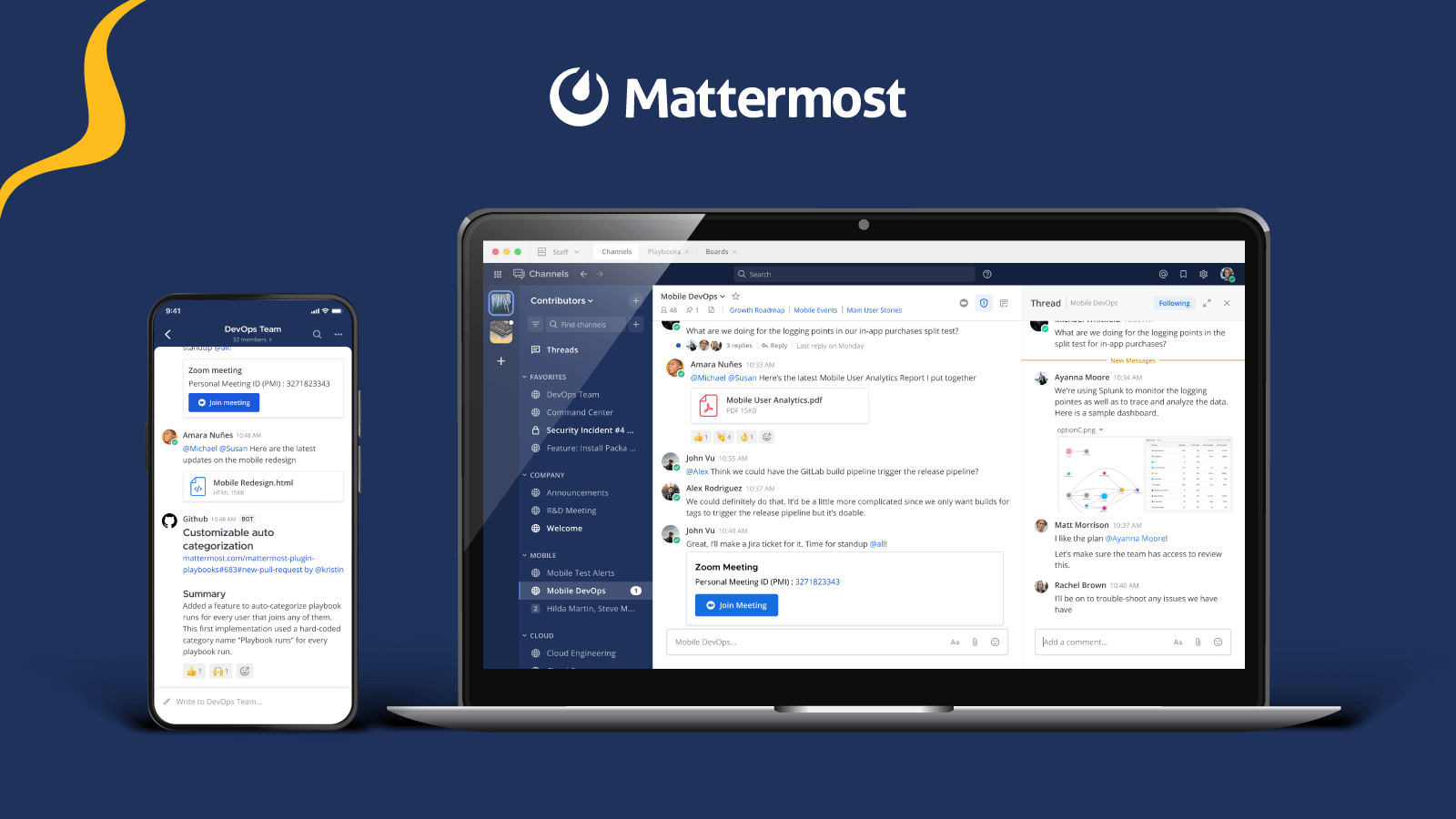
As a secure collaboration platform built for mission-critical workflows, Mattermost supports secure, auditable collaboration for organizations where internal audit processes can’t afford gaps. Advanced logging with granular JSON output, role-based access controls, legal hold, configurable data retention policies, and compliance exports give security and compliance teams the evidence infrastructure they need.
Legal hold, compliance exports, and advanced logging are available on Enterprise and Enterprise Advanced plans. Configurable data retention policies are also available on those plans. Role-based access controls are available across all paid plans.
All of these can be deployed on-premises, in a private cloud, or in air-gapped environments that keep sensitive audit data within the organization’s control boundary.
To learn more about how Mattermost’s secure collaboration platform supports audit workflows — or to see legal hold, compliance export, and audit logging in action — request a live demo with a solutions engineer.